
Attach Files to an Invoice
Add a supporting document (a signed order form, a delivery note, anything relevant) directly to an invoice record.
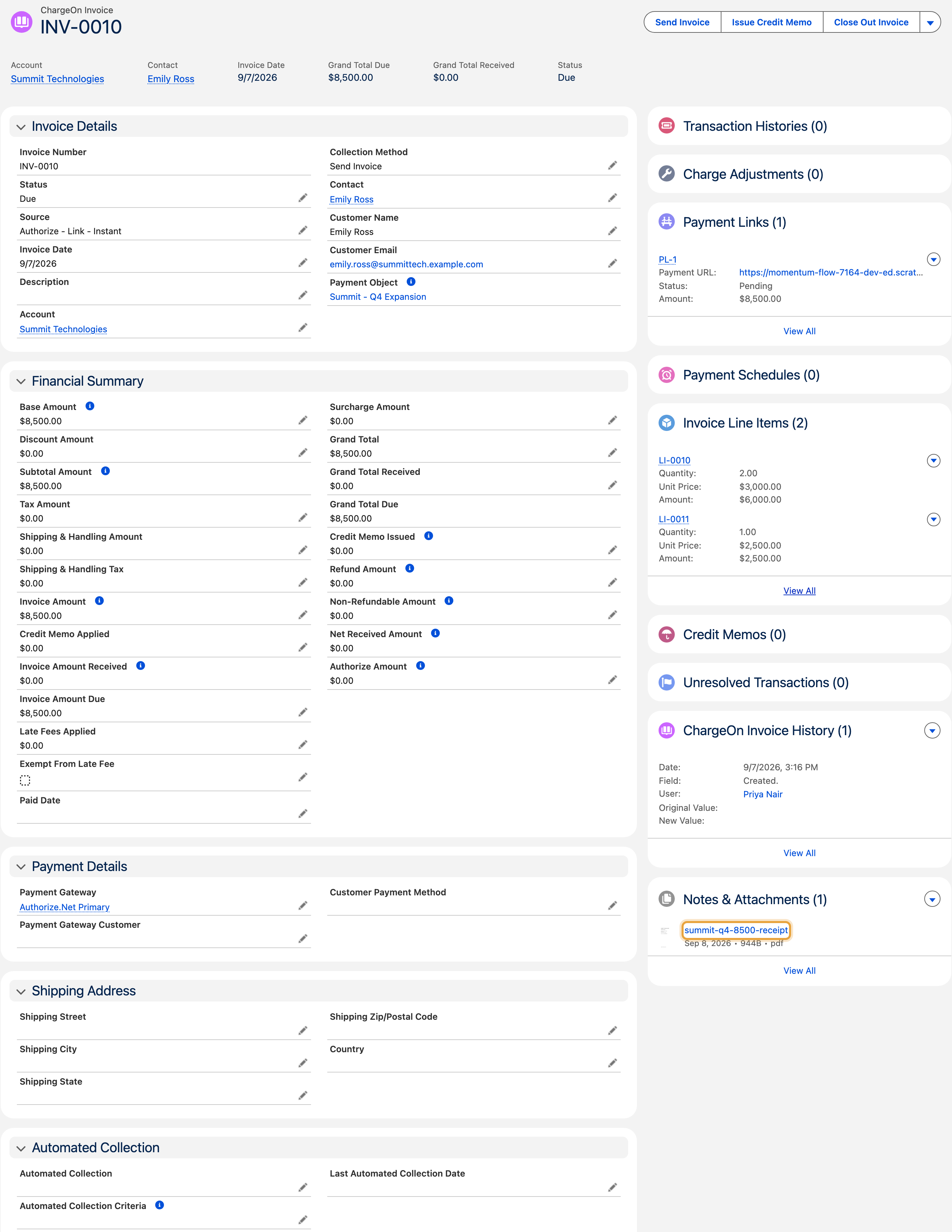
The example adds a supporting receipt to Summit Technologies’ $8,500 Q4 expansion invoice for Emily Ross.
Before You Start
- You need access to the invoice record.
- Attachments added here are files on the invoice itself. They are separate from any receipt a customer uploads during an offline payment.
Steps
- Open the invoice.
-
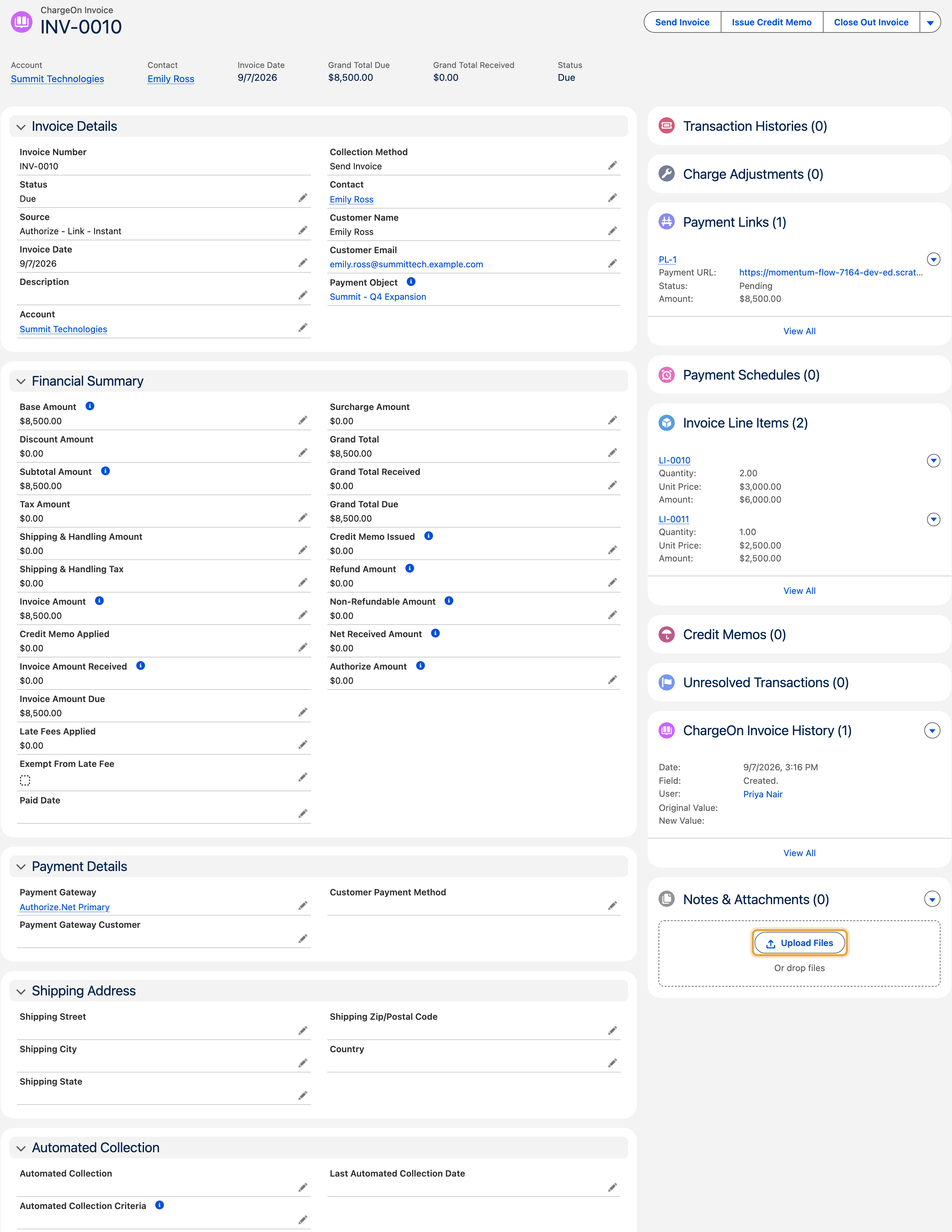
Go to its attachments section.
-
Upload the file.
What You Should See
The file listed against the invoice, with its name, size and file type.
If It Does Not Work
| Symptom | Likely cause | What to do |
|---|---|---|
| The upload does not appear after you close the invoice | You uploaded it but navigated away before it finished saving | Re-open the invoice and check whether it is there; if not, upload it again |
| You cannot delete a file you added by mistake | You need delete access on the invoice's attachments, not just the invoice itself | Ask your admin to check your permissions |